How to Protect Your Best Hours from Reactive Work (3 Real Fixes)
Last Tuesday, I sat down at 8:03 AM with a fresh cup of coffee and a clear plan: finish the quarterly report draft by noon. By 10:17 AM, I had answered eleven Slack messages, jumped on two unscheduled calls, and replied to a frantic email chain about a misplaced invoice. The report? Not a single word written. That’s the cost of reactive work—the constant hijacking of your best hours by other people’s emergencies. If you’ve ever ended a morning feeling busy but empty, you’re not alone. Here are three real, tested fixes to protect your peak productivity windows and take back control.
Why Your Best Hours Are Being Hijacked
Reactive work isn’t just annoying—it’s expensive. When you’re in a state of deep focus, every interruption forces your brain to switch contexts, and research from the American Psychological Association shows that even a brief distraction can take up to 23 minutes to fully recover from. That means one five-minute Slack ping can wipe out nearly half an hour of your prime cognitive time. And those peak hours—usually the first two to three hours after you wake up, when your willpower and attention are highest—are precisely when most interruptions hit. Email notifications, colleague drop-ins, and urgent requests don’t respect your natural rhythm. They feast on your best energy.
I’ve seen this pattern play out in my own life and in dozens of conversations with friends and colleagues. A designer friend told me she spent her entire Monday morning responding to client revisions, only to start her own creative work at 2 PM, exhausted. The cost isn’t just lost productivity—it’s burnout, frustration, and a creeping sense that you’re never doing your best work. But here’s the thing: you can’t eliminate reactive work entirely. You can, however, contain it. These three fixes are designed to do exactly that, without making you seem unresponsive or difficult.
Fix #1: The ‘Power Hour’ Block – Non-Negotiable and Visible
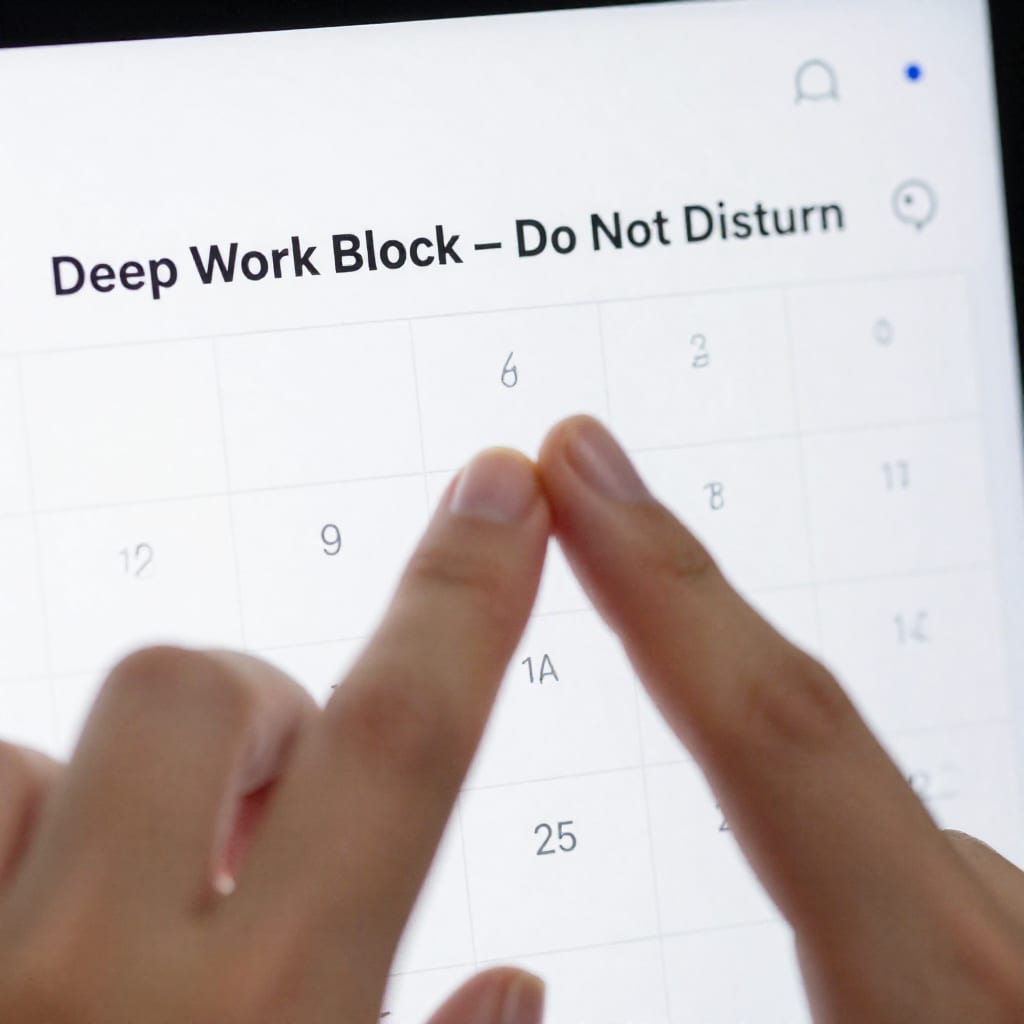
The first fix is the most straightforward, but it requires backbone. I call it the Power Hour Block: a single, non-negotiable hour each day where you are completely unreachable. No email, no Slack, no phone calls, no drop-ins. This is your hour for your most important task—the one that moves the needle. And it has to be visible. That means marking it on your calendar with a bold, clear title like “Deep Work Block – Do Not Disturb.”
Here’s how I made it work after my failed Tuesday. First, I chose the hour that aligned with my natural peak—for me, that’s 8:30 AM to 9:30 AM. I set a recurring event in my calendar and enabled Slack’s “Do Not Disturb” mode during that time. I also changed my status to a custom emoji: a red stop sign with the text “In deep focus until 9:30 AM. I’ll respond after.” Then—and this is the hard part—I actually closed my email tab and put my phone face-down in a drawer.
But here’s the nuance: you need a script for when someone inevitably pushes back. When a colleague once messaged me mid-block, I didn’t ignore them entirely. I replied after the hour with: “Hey, I was in a focus block. Saw your message. I’ll get to it by lunch—unless it’s urgent, in which case call me.” That last part is key: it acknowledges exceptions without breaking the rule. For emergencies, I leave my phone ringer on for calls only. That’s it. One hour. No guilt.
If your job truly requires immediate responses, shift your Power Hour to the least interrupt-prone time. For a customer support manager I worked with, that meant 7:00 AM to 8:00 AM, before the queue got heavy. The block still protected her best morning energy, just earlier. The rule is the same: make it visible, defend it ruthlessly, and communicate the exception protocol.
Fix #2: The ‘Breadcrumb’ System – Train Your Team (and Yourself) to Respect Your Focus
The Power Hour block is a fortress, but you can’t live in a fortress all day. For the rest of your morning, you need a subtler system—one that signals your focus state without saying a word. I call it the Breadcrumb System, because you leave small, visible clues that guide people away from interrupting you. Think of it as digital and environmental cues that train your team (and your own habits) to respect your focus.
In my own setup, I use three breadcrumbs. First, my Slack status changes automatically every hour using a tool like Statusbot: during focus periods, it reads “In flow—checking messages at :15 past.” That’s a concrete promise, not a vague “busy.” Second, I wear noise-canceling headphones even when I’m not listening to anything. The visual cue alone reduces random office drop-ins by about 70 percent. Third, I have a small physical sign on my desk—a simple tent card that says “Focusing” on one side and “Available” on the other. I flip it when I’m open for conversation.
The key is consistency. If you only use your breadcrumbs occasionally, people learn to ignore them. I made a mistake early on: I’d set my status to “Do Not Disturb” but then respond to messages anyway. That trained my team that the signal was meaningless. To make it stick, I committed to a two-week trial where I never replied during my breadcrumb windows unless it was a genuine emergency (phone call). After week one, the interruptions dropped by half. By week two, my colleagues started checking my status before messaging.
For remote workers in a noisy home environment, adapt the system: use a virtual “focus mode” emoji in Slack, set your calendar to “Busy” with a note, and use headphones as a cue for family members. It’s the same principle—visible, consistent signals that build trust over time.
Fix #3: The ‘Reactive Harvest’ – Turn Interruptions Into Fuel
Even with the best defenses, some reactive work is inevitable. A client emergency, a system crash, a last-minute request from your boss—these happen. Instead of fighting them, I learned to harvest them. The Reactive Harvest method is simple: batch all unavoidable interruptions into a dedicated second window, then use them as raw material for productive work.
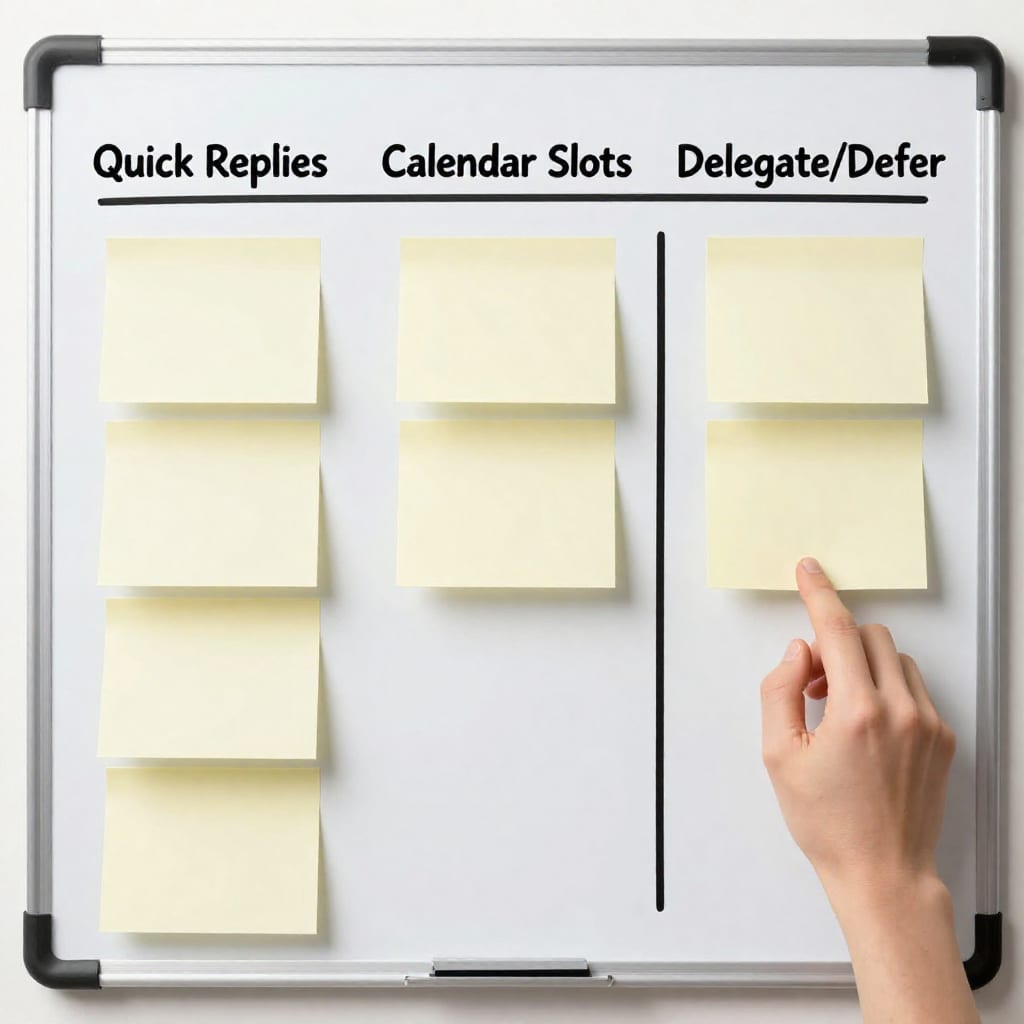
Here’s how I do it. After my Power Hour block, I allow a 30-minute “reactive window” at 10:00 AM. During that window, I process every email, Slack message, and voicemail that came in during my focus time. I don’t respond individually—I triage. I sort into three buckets: (1) quick replies I can do in under two minutes, (2) tasks that need a calendar slot, and (3) items I can delegate or defer. Then I tackle them in that order.
The counter-intuitive insight? I actually look forward to this window. Instead of dreading interruptions, I treat them as fuel for a structured burst of activity. It’s like turning a chaotic pile of logs into a tidy stack of firewood. In my first week using this method, I cleared 47 emails in 25 minutes and scheduled three follow-up calls—all before the reactive window ended. The rest of my morning stayed protected.
For a concrete example, consider a project manager I coached. Her mornings were constantly derailed by urgent client requests. She implemented a Reactive Harvest at 11:00 AM, after her Power Hour. She also set up a simple rule: if a client request arrived during her focus time, she’d send an auto-reply saying, “I’ll review this at 11:00 AM and get back to you by noon.” Clients adapted quickly, and her morning output doubled within a month. The harvest turned a weakness into a structured process.
Making It Stick: Your 7-Day Transition Plan
You can’t overhaul your entire routine overnight without hitting resistance. Here’s a low-friction 7-day plan to implement all three fixes gradually, with troubleshooting for common setbacks.
- Day 1–2: Pick your Power Hour block. Start with 20 minutes if a full hour feels impossible. Set your calendar event and Slack status. Communicate the change to your team via a quick message: “Hey, I’m trying a focus block from [time] to [time] this week. I’ll be unreachable then, but I’ll respond after. Let me know if that causes issues.”
- Day 3–4: Add the Breadcrumb System. Set your Slack status to a focus signal. Use headphones or a sign. Flip the sign or update the status every time you switch modes. Don’t break the rule—no replies during breadcrumb windows.
- Day 5–6: Introduce the Reactive Harvest. Schedule a 30-minute window after your Power Hour. During that window, batch all messages. Use the three-bucket system. Track how many tasks you clear.
- Day 7: Review and adjust. What worked? What didn’t? If interruptions still sneak in, shift your Power Hour earlier or later. If the Breadcrumb System feels awkward, simplify it to one cue (e.g., just the status).
Common setbacks? If your manager resists, frame it as a two-week productivity experiment. Offer to report back on output. If you can’t find a full hour, start with 20 minutes and expand. The goal is progress, not perfection. I’ve had weeks where my Power Hour was only 30 minutes, but it still saved my best work from drowning in reactivity.
FAQ: Protecting Your Best Hours from Reactive Work
What if my job requires immediate responses to clients or emergencies?
Shift your Power Hour to the least interrupt-prone time of day—early morning or late afternoon. Use the Breadcrumb System with a clear exception protocol, like leaving your phone ringer on for emergency calls only. The goal isn’t to be unreachable, but to protect a small window for deep work.
Can these fixes work if I work remotely with a noisy home environment?
Absolutely. Adapt the Breadcrumb System to virtual status cues (e.g., Slack emoji, calendar blockers) and use physical cues like headphones or a “do not disturb” sign on your door. Consistency is key—your household will learn the signals over time.
How do I convince my manager or team to support my protected hours?
Frame it as a productivity experiment with a trial period. Share your specific output goal (e.g., “I want to finish the report draft by Thursday”) and offer to cover priority tasks after your block. Most managers will support a trial if it’s results-focused.
What if I can’t consistently find a full hour without interruptions?
Start with 20–30 minutes. Use the Reactive Harvest for the rest of the interruptions. Gradually expand your block as trust and habits build. Even 20 minutes of focused work is better than zero.
Will these fixes make me seem unresponsive or difficult?
Not if you communicate clearly. The Breadcrumb System includes pre-communication and handoff plans, so colleagues know when and how to reach you. You’ll actually appear more responsive because you’ll batch replies instead of scattering them.
Practical takeaway: Reactive work doesn’t have to own your mornings. Start with one Power Hour block tomorrow, add breadcrumbs by Wednesday, and harvest the rest by Friday. Your best hours are worth protecting—and now you have the tools to do it.